Drop in a product photo or a design and get a clean transparent cutout back, ready to place.
Your cutout lands here
Add an image on the right and press Remove the background. You get a PNG with a real alpha channel, ready to sit on a mockup or a coloured garment.
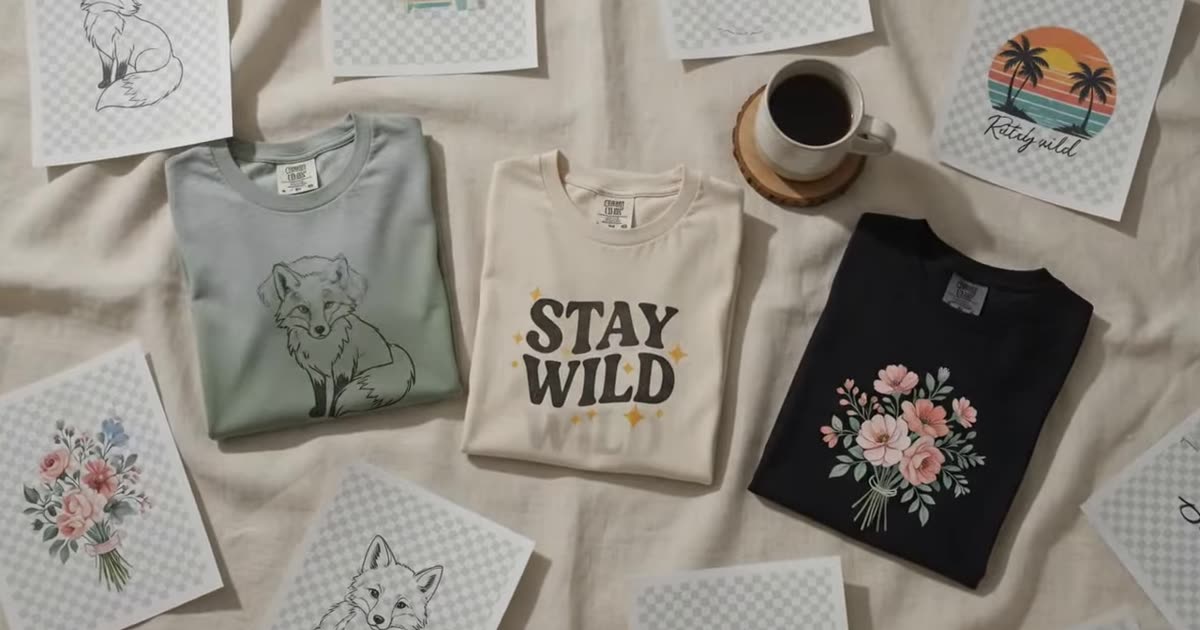
Fur, straps and grey-on-white are the cases that trip background removers. That is the point of these three.
Nothing chosen yet
Free, and shared with the other design tools.
This browser tab only — closing it clears the list. Nothing here is written to disk on our side.
Enough to judge the cutout and to use it online. Pick anything larger and we'll show you where to get it.
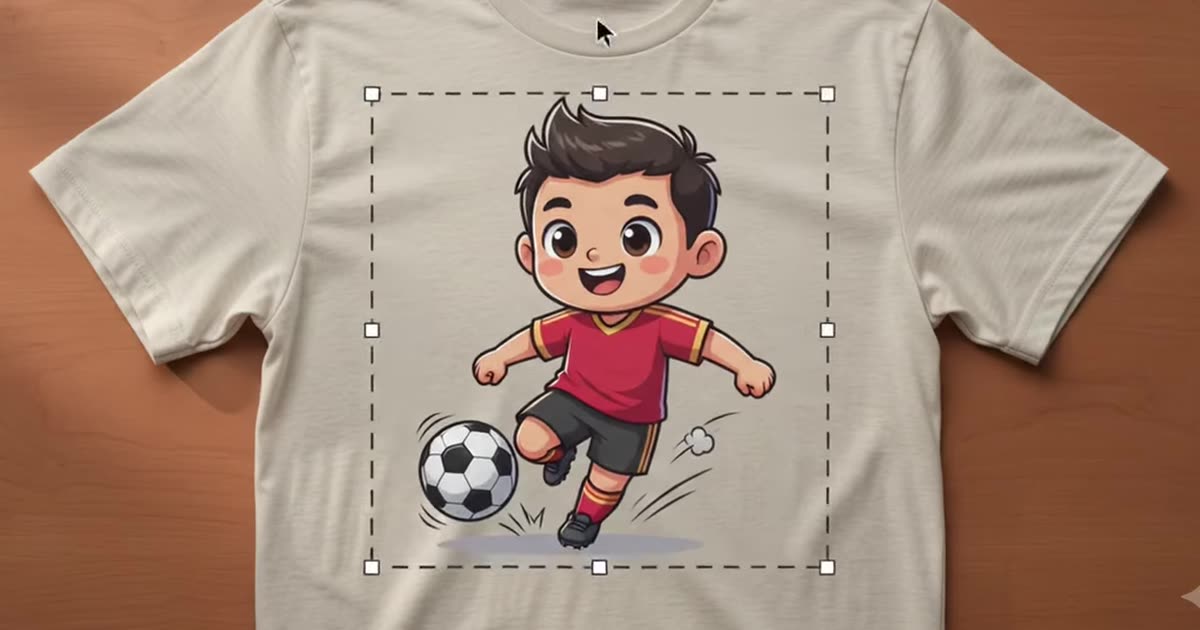
A transparent cutout is what lets a design sit on a mockup, a scene or a coloured garment without a white box around it. Doing it by hand is the least interesting hour in print-on-demand.
Drop the image in and get the cutout back at the free 1K tier — about a megapixel, sized to the shape of what you sent. Your file is resized in the browser before it is sent and is never stored on our side.
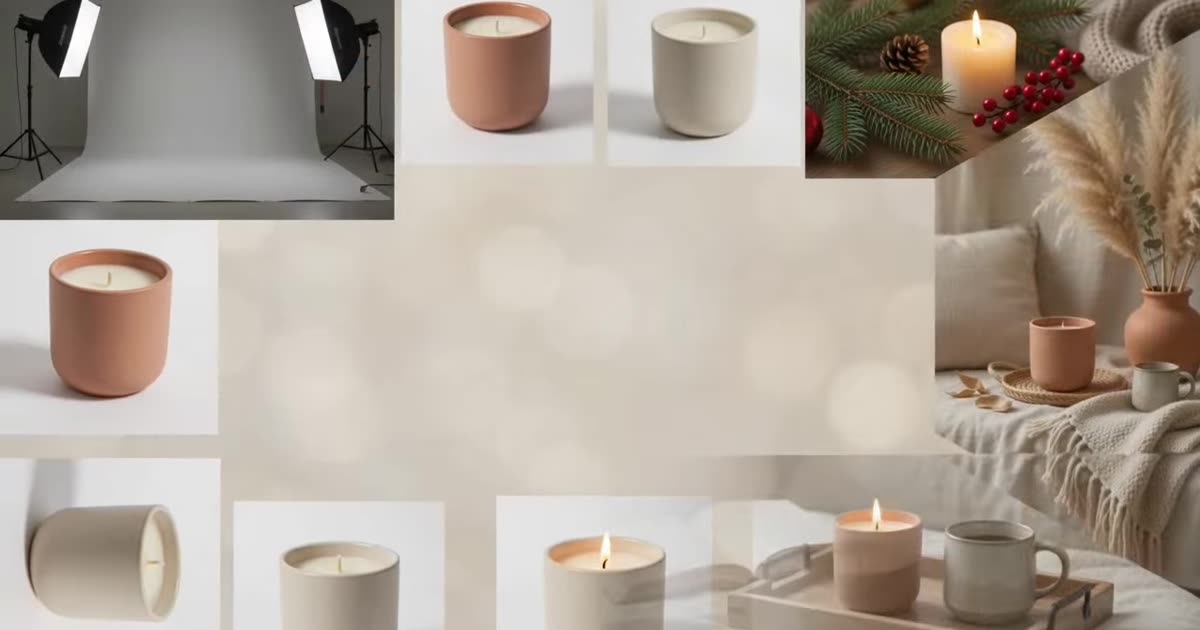
Once it is cut out, the mockup generator will place it on a product and the background studio will put that product in a scene.
The cutout engine traces the subject edge and writes a real alpha channel — not a white background painted to look transparent. Check the result on a dark surface before you use it: white fringing shows up there and nowhere else.
It works best on a subject that is clearly separated from its background. Hair, fur, smoke and glass are hard for every tool on the market, ours included, and it is better to know that than to be surprised by it.
Save the PNG. Nothing is kept on our side, so a result you close is gone.
A cutout at 1K is enough to judge and to use online, but it is not a print file. What a printer actually needs is a different number, and it is not the one most sellers repeat: DPI, bleed, and the 300 DPI myth. The print file checker will tell you where a given file stands.
Higher resolution, batch runs across a whole catalogue, your own mockup templates and saved history.