Studio
Cut a background away, pull artwork back out of a photograph, remix a design you already sell, or drop a product into a scene you describe. Free, and your file is resized in the browser before it is sent.

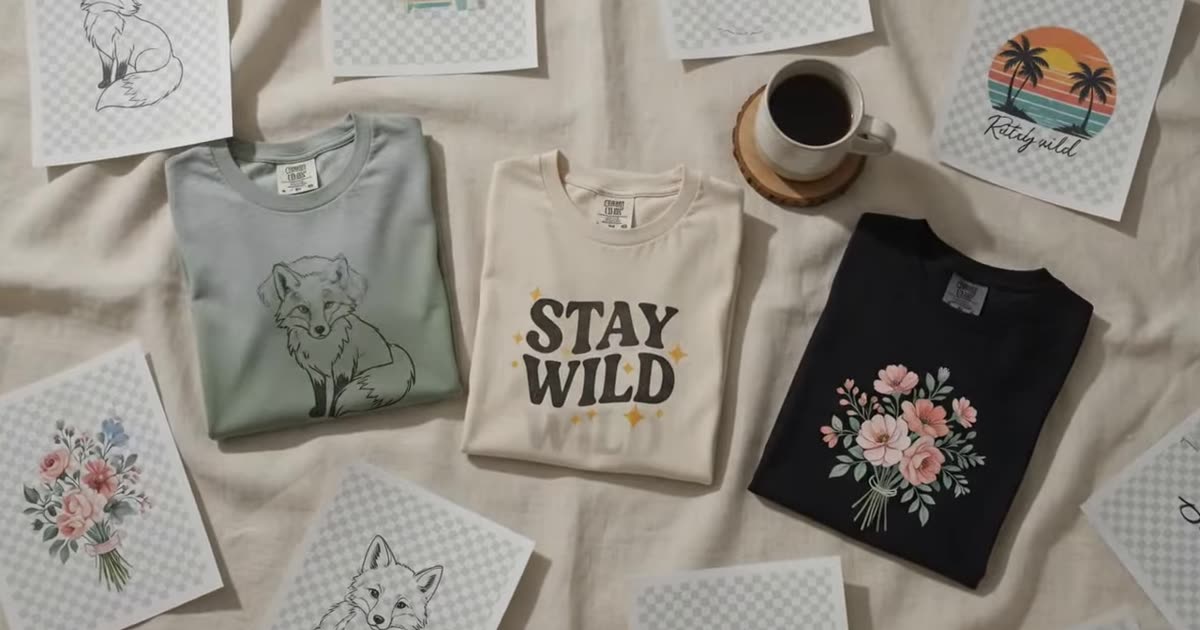

These six tools cover the picture side of a print-on-demand listing. Which one you want depends on what you already have.
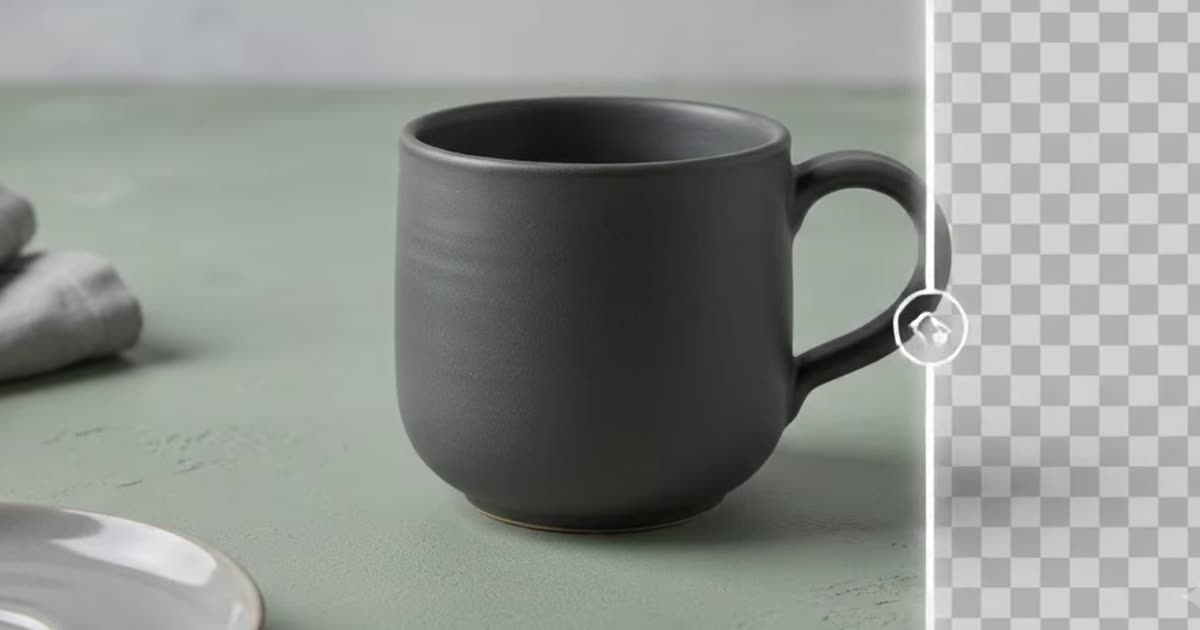
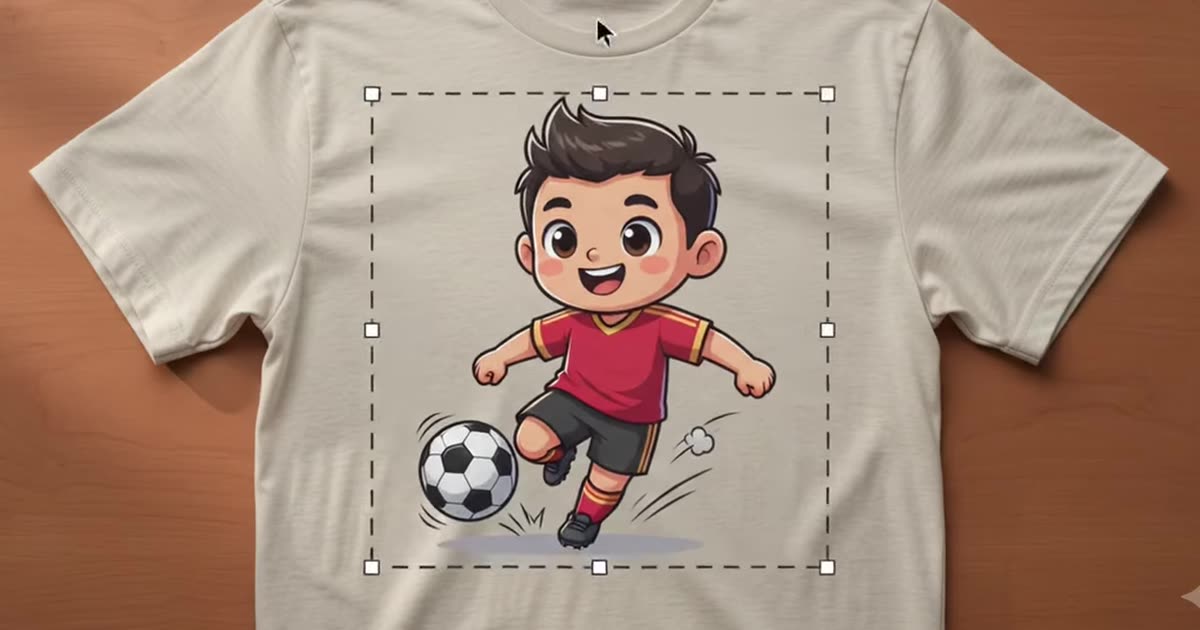
You have a design but no product photo. The mockup generator drops a transparent PNG onto a ready-made t-shirt, mug, tote or phone case template and returns a set of listing photos. It is the fast path when you already know what the product is. If your artwork still has a white box behind it, run remove background first — a flat JPEG lands with a white rectangle on every template, and no setting fixes that.
You have a product photo but it looks like a kitchen table. Background studio keeps the product and generates the scene around it from a sentence, so you get a lifestyle shot without props or a photoshoot. Photography is one of the signals Etsy genuinely reads, which how Etsy search actually ranks a listing separates from the folklore.
You have a mockup and want the flat artwork back. Extract design finds the printed region, undoes the perspective and the curve of the surface it sat on, and returns the artwork flattened. It recovers geometry, not resolution.
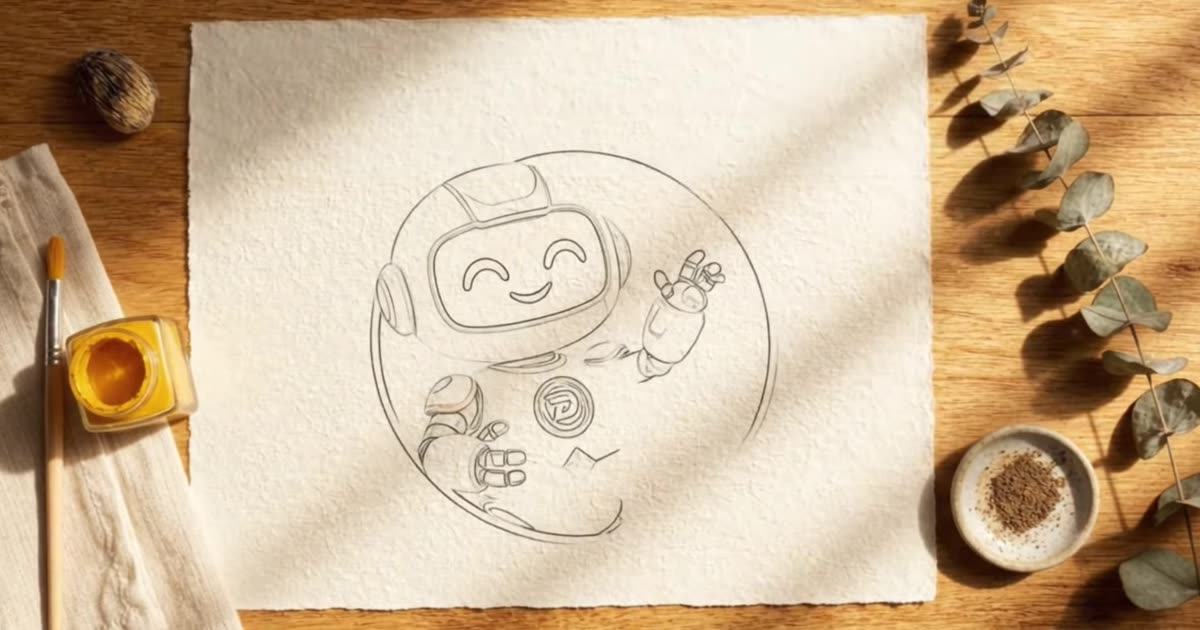
You have a design that already sells. Edit design remixes it into a new colourway, season or style, which is a second listing rather than a replacement. Create design goes the other way and turns a one-line direction into a concept you can judge before spending an evening on it.
Everything here renders at the free tier, which is enough to judge an idea and to use online but is not a print file. What a printer actually needs is a different number from the one most sellers repeat — DPI, bleed, and the 300 DPI myth works it out per placement, and the print file checker tells you where a given file stands. Before you build a listing on any of it, check the niche is one you can win.
Every studio tool is free and carries its own small daily allowance, shown on the tool itself and counted per network address rather than per browser. Most of them resize your file in the browser and never write it to disk on our side; the two whose renderer has to fetch the file upload it first and keep only your last few before the oldest is overwritten. Each tool states which it is.
2K, 4K and print-ready exports, batch runs across a whole catalogue, and your own mockup templates all live in the full studio.