Pull the flat artwork back out of a mockup photo — deskewed, un-warped and ready to reuse.
Your flattened artwork lands here
Add a photo of a printed product on the right and press Extract the design. The artwork comes back lifted off the product, deskewed and un-warped.
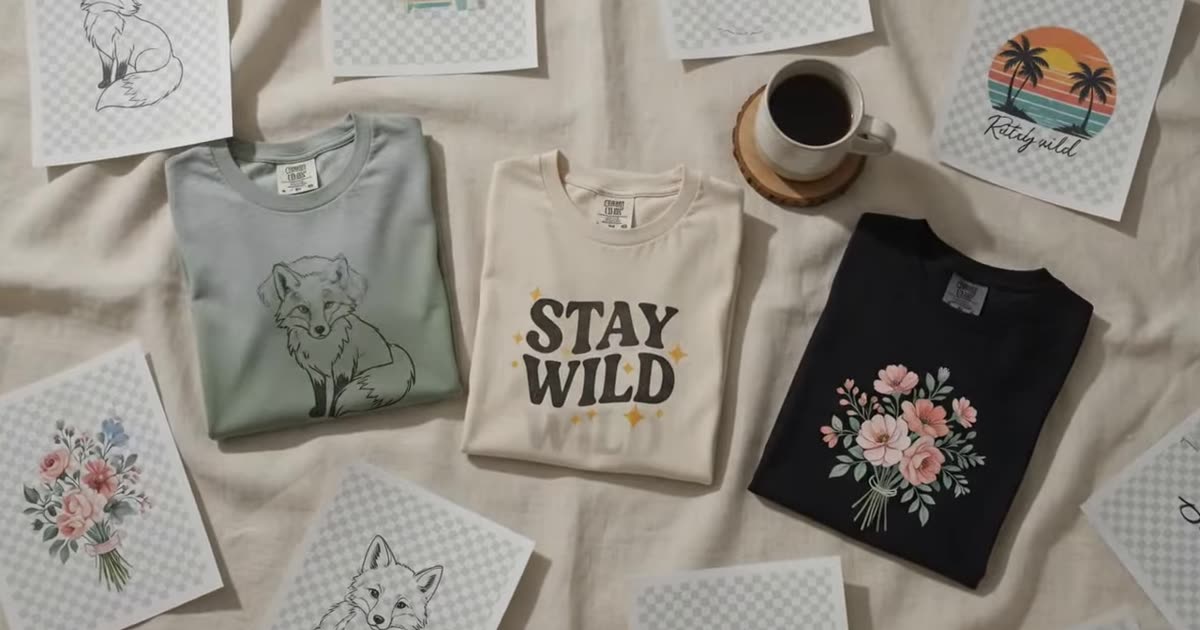
Folds, curves and repeats are what a flattener has to undo. That is why these three.
Nothing chosen yet
Free, and shared with the other design tools.
This browser tab only — closing it clears the list. Nothing here is written to disk on our side.
Enough to judge the extraction and to use it online. Pick anything larger and we'll show you where to get it.
Every seller ends up with a design that only exists inside a mockup — the source file lost, renamed, or never saved. This lifts the artwork back off the product and flattens it.
It corrects the perspective and the fabric warp, so what comes back is the design as a flat image rather than a photograph of a design, at the free 1K tier.
Photo covered in several prints? Mark the one you want and it extracts only that. Once it is out, the design remixer will give you a variation of it and the mockup generator will put it back on a product.
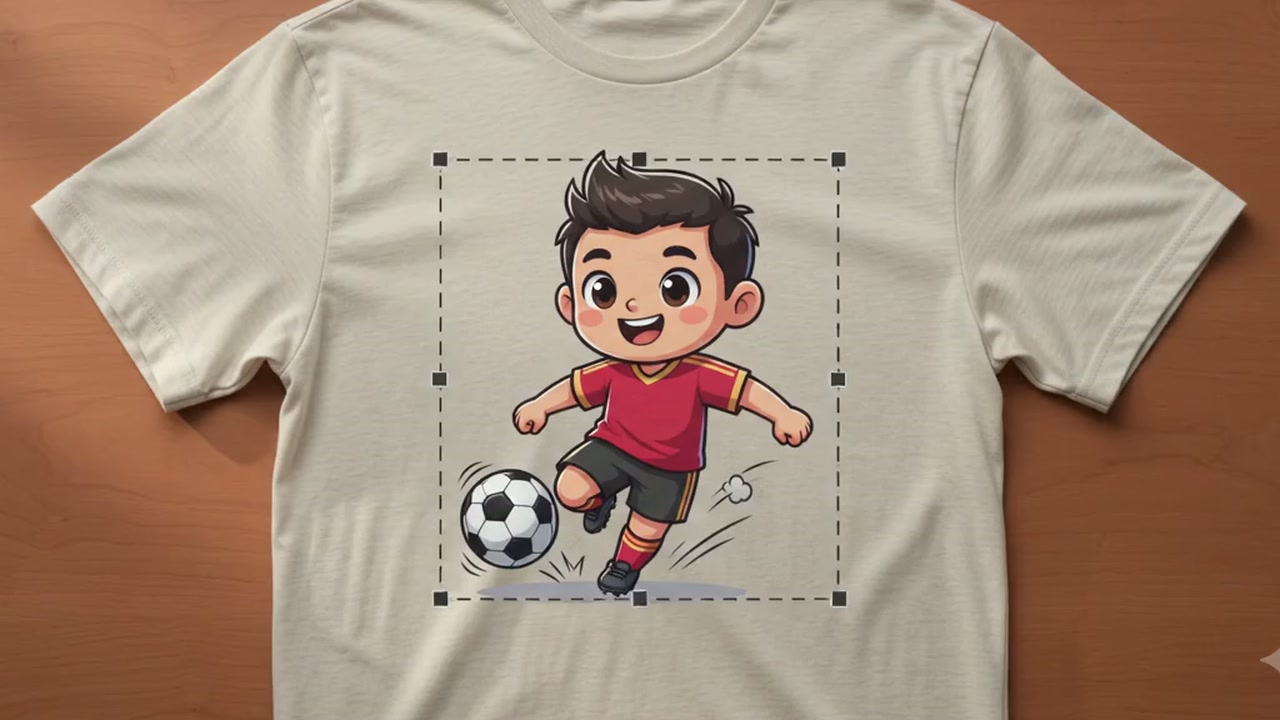
Press Find the design and the model marks the printed regions it can see, labelled by what they are — stamped text, embroidery, a print. Pick one, drag it, resize it, or draw your own box. Whole image clears the crop and runs the full frame.
The crop travels as coordinates rather than as a cropped file, so the cutting happens where the model is — which is why it works on a linked image as well as an uploaded one.
The model finds the printed region, undoes the perspective and the curvature of the surface it was sitting on, and returns the artwork flattened.
What it cannot do is invent detail the photograph never had. A design extracted from a 900 px mockup comes back at the quality of a 900 px mockup, upscaled — fine for reference, not for reprinting. Run it through the print file checker before you commit it to a product, and read DPI, bleed, and the 300 DPI myth for what a printer actually needs.
Fabric texture is the usual giveaway: on a shirt photo the weave comes through into the flat image.
Higher resolution, batch runs across a whole catalogue, your own mockup templates and saved history.