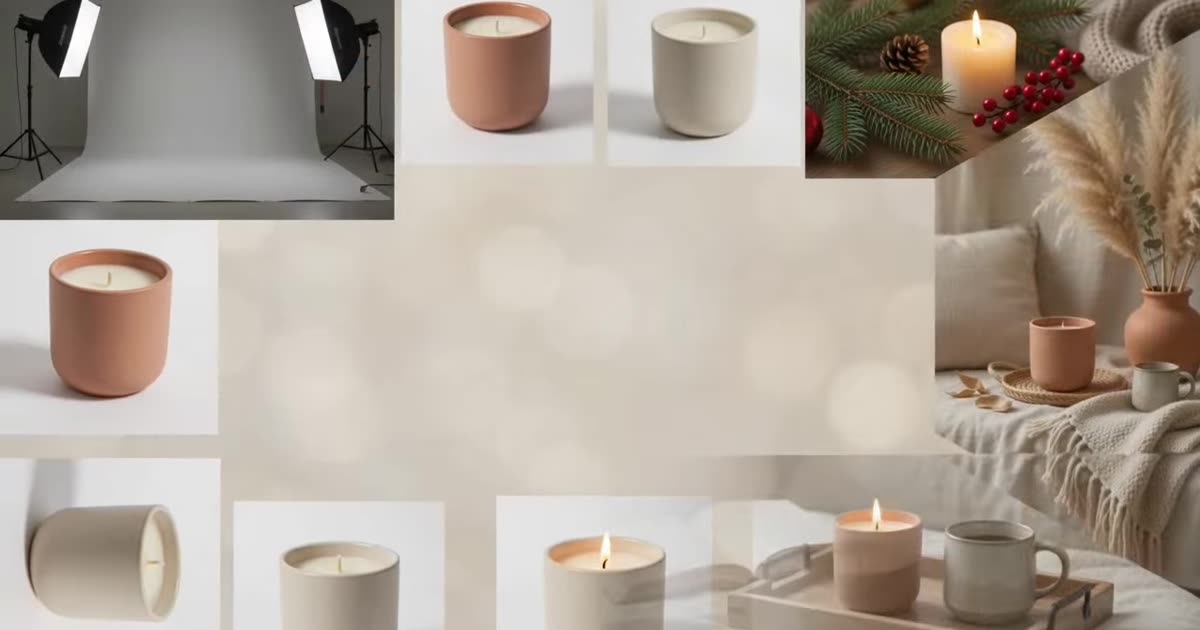
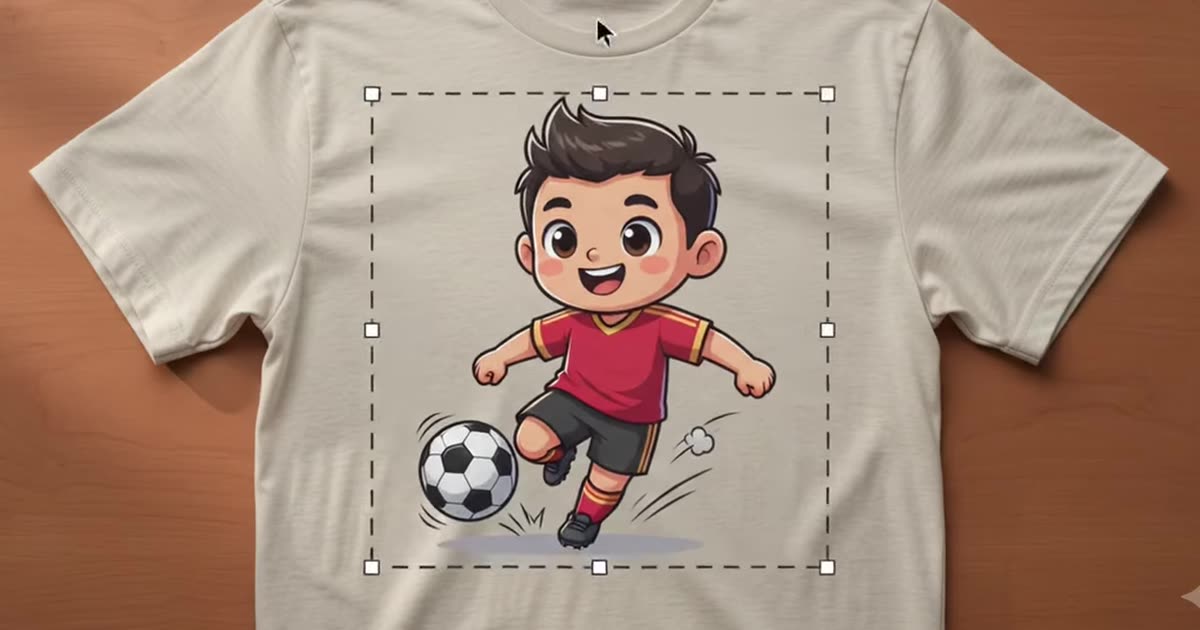
Drop artwork onto a ready-made product template and get a set of 1000 px listing photos back.
Choose a product, add your artwork in the bar below, then generate.
Loading the template library…
Your mockup lands here
Pick a product template, add a PNG with real transparency, then press Generate. You get your artwork placed on every shot that template carries, at 1000 px — enough for a listing photo or a Pinterest pin.
Pick a product template, drop your artwork on it, and get a listing photo back. No scene to describe and nothing to set up — this is the fast path when you already know what the product is.
If you want the product in a room rather than on a plain template, that is the background studio instead. If your artwork still has a white box behind it, the background remover is the step before this one.
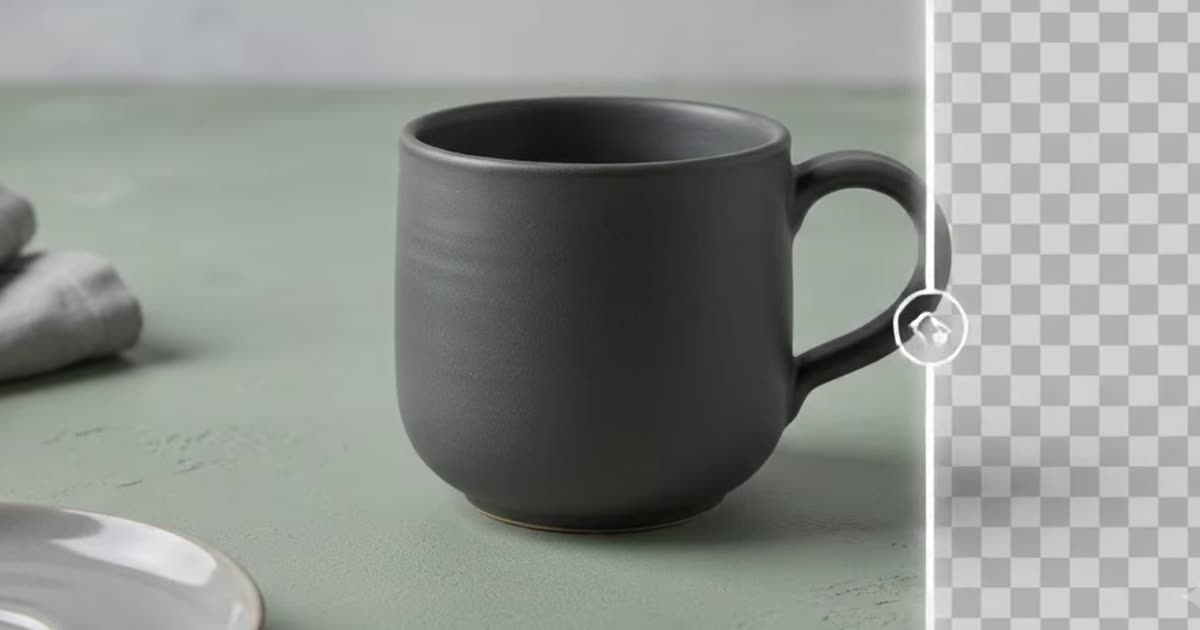
Send a PNG with real transparency. A flat JPEG arrives with a white rectangle around it on every template, and no setting fixes that — the background remover is the step before this one.
One template per run gives you every shot that template carries, each 1000 px square. Artwork much wider than it is tall gets scaled to fit, so check what ratio a placement wants with the design size calculator. And a mockup is not a proof — what actually arrives depends on the print method and the blank, which is the part worth reading before you list: choosing a print provider.
Higher resolution, batch runs across a whole catalogue, your own mockup templates and saved history.