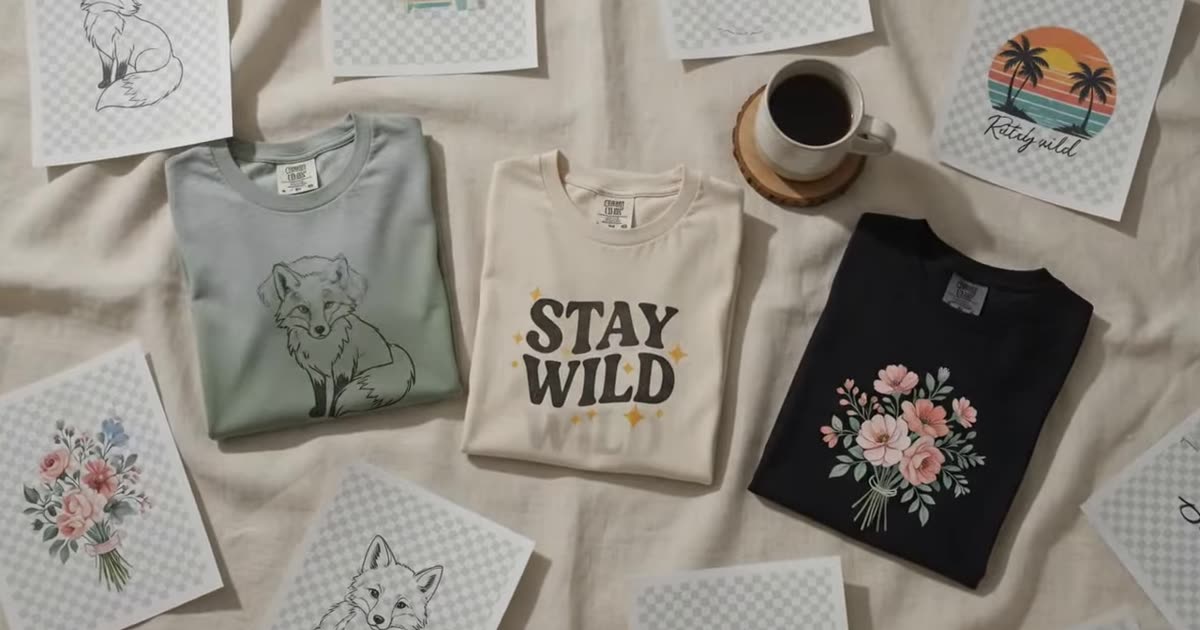
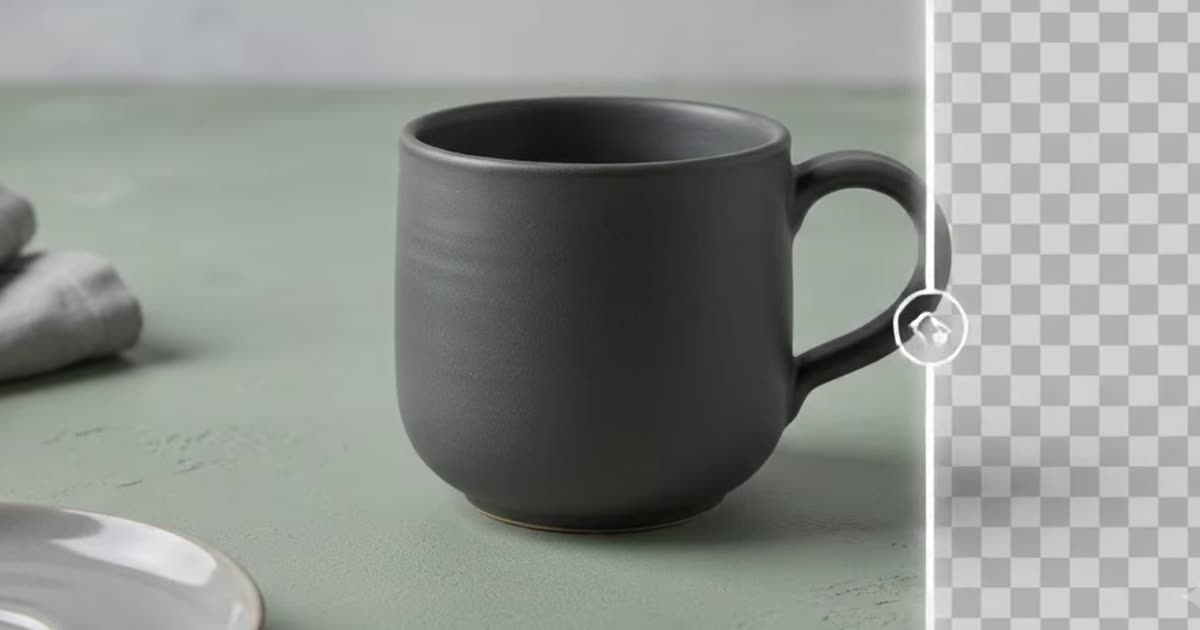
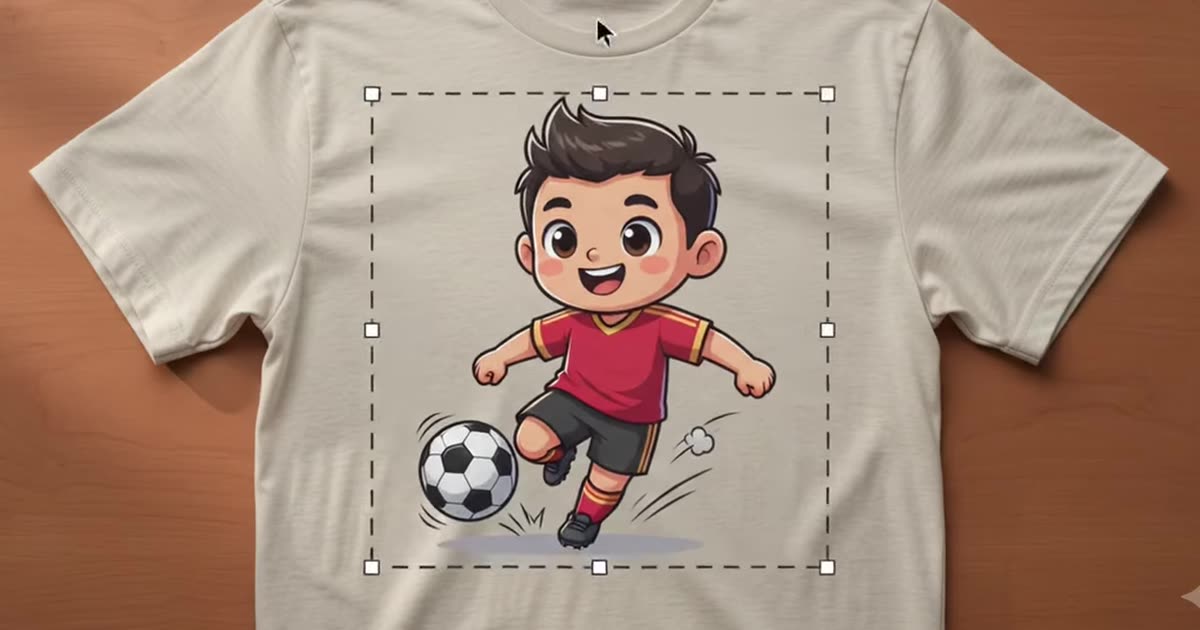
Put your product into any scene you can describe. Free renders come out at 1024 px.
Your render lands here
Pick a scene, choose what to render on, then press Render. You get one finished 1024 px image — enough for a listing photo, a Pinterest pin or a mockup sheet.
Nothing chosen yet — pick a product, drop artwork, or paste a link.
Nothing yet — pick a scene or describe one.
One image each, at 1024 px. Nothing is stored — save what you want to keep.
Batches, your own backdrop, higher resolution and saved history are in the full studio.
Enough for a listing photo, a Pinterest pin or a mockup sheet. Pick anything larger and we'll show you where to get it.
A listing photo is the biggest single lever on your conversion rate, and a photoshoot is the thing most print-on-demand sellers never get round to.
Upload the product photograph you already have — or borrow one of ours — describe the scene you want it in, and the model composites it. Free renders come out at 1024 px, which is enough for a listing photo, a Pinterest pin or a mockup sheet.
If you want artwork dropped onto a plain product template instead of a scene, that is the mockup generator. If the photo you are starting from still has a background you want gone, run it through the background remover first.
Write the scene the way you would describe a photograph to someone: the surface, the light, the props, the mood. “On a pale linen table by a window, morning light, one sprig of eucalyptus” beats “nice background” every time.
The scene, angle, lighting and palette chips are appended to your description before it is sent, and the composed prompt is shown to you — so you can see exactly what the model is being asked for rather than guessing.
The model is told to leave the product itself alone: geometry, texture and colour are locked, and only the scene around it is generated. That is why it works from a plain product shot.
Your image is resized in the browser before it is sent, and it is never stored on our side. The 1024 px ceiling is enforced on our server, not in the page — there is no setting to change in devtools.
Photography is one of the signals Etsy actually reads, and it is worth knowing which ones it does not: how Etsy search actually ranks a listing separates the two.
Higher resolution, batch runs across a whole catalogue, your own mockup templates and saved history.