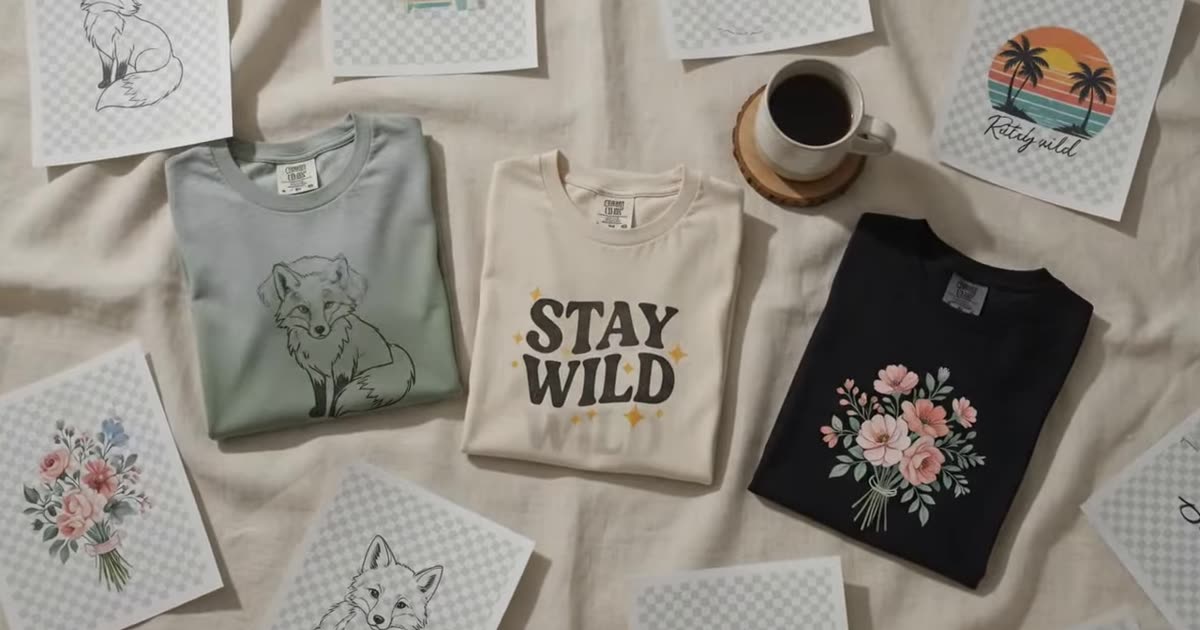
Remix a design you already have into a fresh variation — new palette, new season, same idea.
Your edited design lands here
Add a design on the right, say what should change, and press Edit the design. You get a new version back — the original is untouched.
Nothing chosen yet
Free, and shared with the other design tools.
This browser tab only — closing it clears the list. Nothing here is written to disk on our side.
Enough to judge the edit and to use it online. Pick anything larger and we'll show you where to get it.
The design that sells once will usually sell again in a different colourway, a different season or a different type treatment. Making that second version by hand is the work most sellers never get round to.
Upload the design, describe the change, and get a variation back at the free 1K tier.
No source file, only a mockup? Pull the artwork back out of the photo first. Want the variation on a product? That is the mockup generator.
Describe the change, not the design. “Autumn palette, keep the layout” works; “a nice shirt design” does not, because the model already has the design — what it needs is the edit.
Small, specific instructions beat long ones. Colour, era, medium and mood are the four that move the result most.
Remixing your own work is straightforward. Remixing someone else's is how shops get suspended — the fact that a tool will do it is not permission.
A variation is a second listing, and a second listing competes in search on its own terms — which means its own title and its own thirteen tags. The thirteen Etsy tags covers how to fill them without wasting four, and the tag checker will grade the set you end up with.
Higher resolution, batch runs across a whole catalogue, your own mockup templates and saved history.